Claude for Industrial Automation Engineers: A Practical 2026 Guide — AI Automation Insider
AI automation for engineers has moved past the hype stage. Claude, the large language model developed by Anthropic, is now a practical productivity tool for industrial automation work in pharma, biotech, and medical device manufacturing. This guide covers exactly how to use it for PLC code generation, fault diagnosis, and GMP documentation — with specifics that reflect real plant floor conditions.
AI automation for engineers is the application of large language models and AI-assisted tools to technical engineering workflows, including code generation, document drafting, and systematic troubleshooting. In Life Sciences and GMP environments, it matters because regulatory documentation overhead consumes a disproportionate share of senior engineering time — time that should be spent on decisions that actually require engineering judgment.
Your best engineers are spending hours on work that does not require their expertise. SOP drafts. Change control write-ups. Validation summaries. Tag list documentation. None of it needed 20 years of experience to produce. Claude handles this category of tasks better than any other tool I have tested. Here is exactly how I use it.
FREE GUIDE
Stop Writing Design Specs by Hand
Get the free visual guide: how AI tools generate GAMP 5 documentation directly from your PLC and DCS exports. Used by Life Sciences engineers who are done doing it manually.
No spam. Unsubscribe anytime.
Using Claude to Write and Review PLC Code in Studio 5000 and Other Platforms
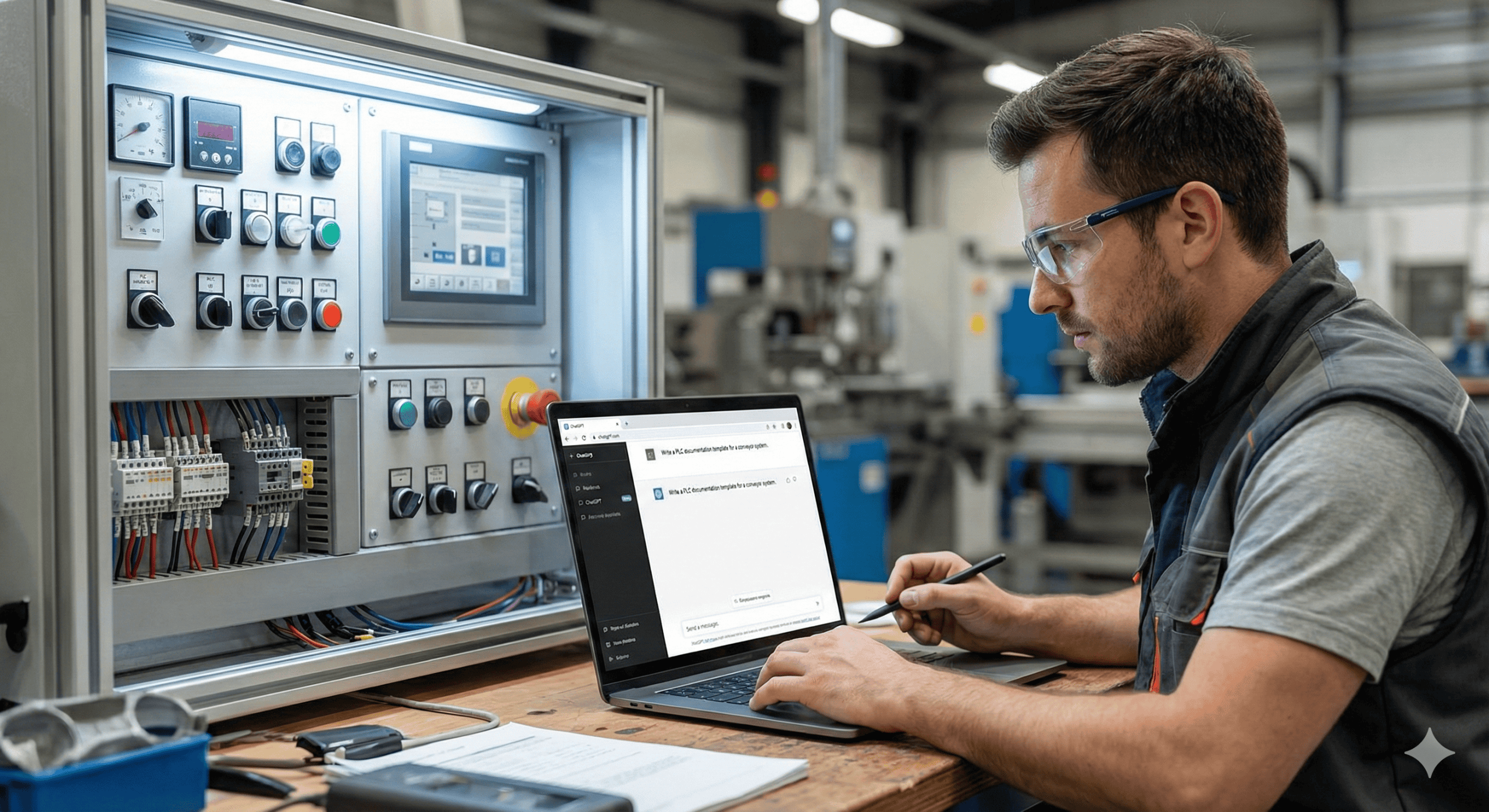
Claude generates Structured Text, ladder logic pseudocode, and Python scripts for data handling. The key is giving it enough context to calibrate. Provide your tag naming convention, your process description, and your platform. Tell it you are working in Studio 5000 on a filling line and the output reflects that environment, not a generic industrial example.
Always review and test generated code before it touches a live system. That is good engineering practice regardless of who or what wrote the code.
How Claude Accelerates PLC Fault Diagnosis and Root Cause Analysis
Describe the fault, the process state, the alarm history, and the equipment involved. Claude returns a systematic checklist of probable causes ordered by likelihood. It does not replace site knowledge. It compresses the front end of the diagnostic process so you spend less time running down obvious causes and more time on the edge cases that actually require your experience.
Drafting GMP Regulatory Documents: SOPs, Change Control, and Validation Summaries
This is where Claude separates itself from other AI tools I have tested.
SOP drafts, change control narratives, validation summaries, deviation reports — Claude understands the structure and language of GMP documentation. It knows 21 CFR Part 11. It knows the difference between an IQ and an OQ. It understands GAMP 5 category distinctions.
Use it to generate a first draft. Your SME still reviews and approves. The value is in the hours saved before the document ever reaches the approval queue.
Automated GAMP 5 Design Specification Generation from Rockwell PLC Project Files
I took this further than standard prompting. I built a tool that reads a Rockwell PLC project file and generates a full GAMP 5 Design Specification automatically — tag lists, I/O tables, module configuration, system description, all of it. Work that used to take days of copy-paste engineering now takes minutes.
If you work with Rockwell systems, you can see a sample output here: https://plc-doc-sample-8lb80glbi-agent-diligents-projects.vercel.app
I am building the same capability for DeltaV. If that is relevant to your environment, reply and I will let you know when it is ready.
How to Write Effective Claude Prompts for Life Sciences Automation Engineering
Be specific upfront. “I am a Sr. Automation Engineer working in a Life Sciences facility running DeltaV on a bioprocessing line” produces a fundamentally different response than a generic prompt. Claude has a large context window — use it. Paste in your P&ID description, your existing SOP, your tag list. The more context you provide, the less you have to correct in the output.
Twenty-five years on the plant floor taught me that the best engineers are the ones who eliminate low-value work fastest. Claude is the most effective tool I have found for doing that in a GMP environment.
Frequently Asked Questions: AI Automation for Engineers in Life Sciences
Can Claude generate PLC code that is ready to deploy in a regulated manufacturing environment?
Claude can generate Structured Text and ladder logic pseudocode that is accurate and well-structured, but no AI-generated code should be deployed to a live system without engineer review and testing. In a GMP environment, that review step is not optional — it is part of your change control process regardless of how the code was originally written. Treat Claude’s output as a qualified starting draft, not a finished deliverable.
Is Claude suitable for writing 21 CFR Part 11 compliant documentation?
Claude understands 21 CFR Part 11 requirements and can draft documentation that reflects the correct structure and language. It is suitable for generating first drafts of SOPs, validation protocols, and audit trail documentation. Your qualified SME still needs to review and approve everything before it enters the document control system. Claude reduces the time spent creating the draft — it does not replace the human review step that GMP requires.
How does Claude compare to other AI tools for automation engineering tasks?
In my testing, Claude outperforms other general-purpose AI tools on tasks that require understanding of regulatory context, technical structure, and domain-specific language. Its large context window is a practical advantage when you need to paste in a full tag list, an existing SOP, or a P&ID description as part of your prompt. For strictly code-focused tasks, other tools compete more closely. For the documentation-heavy work that dominates Life Sciences automation engineering, Claude is the strongest option I have used.
What is GAMP 5 and can AI tools help automate design specification documents?
GAMP 5 is the industry framework published by ISPE that defines good automated manufacturing practice for computerized systems in regulated industries. A Design Specification under GAMP 5 documents the system architecture, hardware configuration, software modules, and I/O in enough detail to support qualification and audit. Yes — AI tools, including the custom tool I built on top of Claude, can automate the generation of GAMP 5 Design Specifications directly from PLC project files, eliminating days of manual documentation work per project.
Does using AI for engineering documentation create compliance or audit risk?
The compliance risk is not in using AI to draft documents — it is in approving documents that have not been properly reviewed. Your existing document control and change control processes already define who reviews and approves documentation. If those processes are followed, AI-assisted drafting is no different from using a template or a previous document as a starting point. The audit trail for the approved document is what matters to inspectors, not the tool used to generate the initial draft.
Get the visual guide for this post.
Subscribe to Life Sciences, Automated and get the slide deck delivered to your inbox — plus every future issue.
Get the visual guide for this post: Get the visual guide